💾 The SATNA_PROJECT Pro Guide: How to Accurately Diagnose PCB vs. Mechanical Hard Drive Failure in 5 Steps
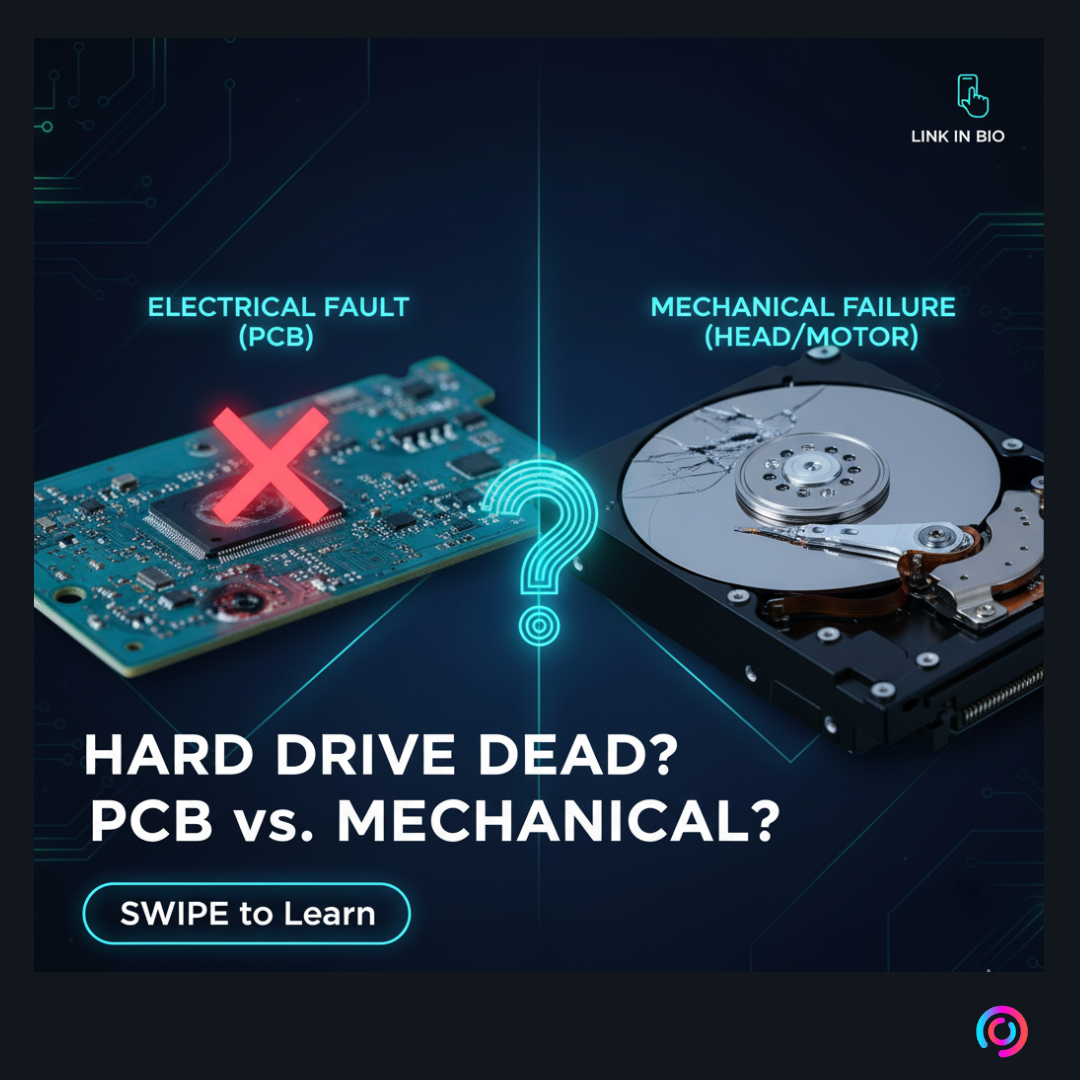
Every tech enthusiast, sysadmin, and business owner dreads that moment: your reliable hard drive goes silent, or worse, starts making a terrible clicking noise. Is it a simple power issue? Is the PCB fried? Or is it the dreaded "Head Crash"?
Knowing the difference is critical. Misdiagnosing a mechanical failure as an electrical one can lead to devastating, permanent data loss.
I'm developing SATNA_PROJECT as a specialized side project focused on professional data recovery and high-level hardware diagnostics. We've developed a precise, 5-step methodology to quickly and accurately identify the root cause of a drive failure. This guide breaks down our internal process so you can make the right decision—whether that's a quick PCB replacement or an urgent call to a data recovery lab.
Step 1: The Initial Physical Assessment (The First Look)

Before plugging anything in, you must check for external, visible damage. Physical damage often causes electrical failure.
- Inspect the Connector: Closely examine the SATA/IDE connector pins. Look for bent, broken, or burnt pins. A cracked connector is a common cause of a drive not powering up.
- Check the PCB Surface: Look at the exposed side of the Printed Circuit Board (PCB). Are there any burn marks, visible component cracks (especially capacitors), or signs of liquid damage?
- Case Integrity: Check the drive corners and top cover. Dents usually indicate the drive was dropped, which almost always means severe internal mechanical failure (Heads/Platters).
Step 2: Power-Up and Rotation Check (Listen Closely)
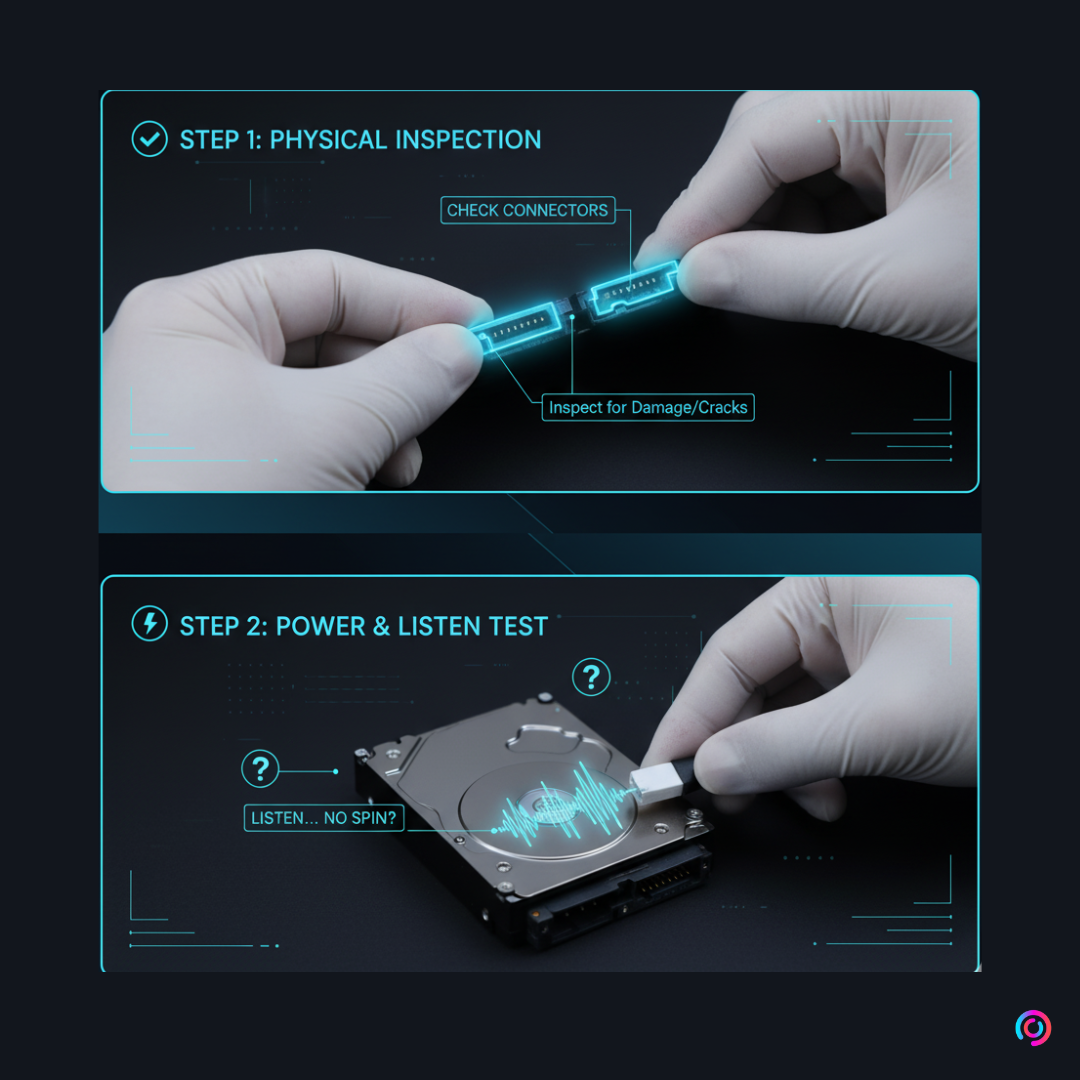
Connect the hard drive to a stable power supply (using an external power source is best, not your main PC). This step is about observation and sound.
- Check for Rotation: Does the drive spin up? You should feel a slight vibration and hear a soft, consistent hum (the platters spinning).
- Listen for Mechanical Sounds: If the drive does not spin up, listen carefully:
- Silent (Dead): If there is no spin and no sound, the fault is almost certainly Electrical (PCB). Proceed to Step 3.
- Clicking/Ticking/Grinding: If you hear abnormal, repetitive sounds (the dreaded "Click of Death"), the fault is Mechanical (Head/Motor Jam). Proceed to Step 4.
- Proper Operation: If the drive spins up correctly and remains silent, proceed directly to Step 5.
Step 3: Diagnosing and Fixing Electrical (PCB) Failure
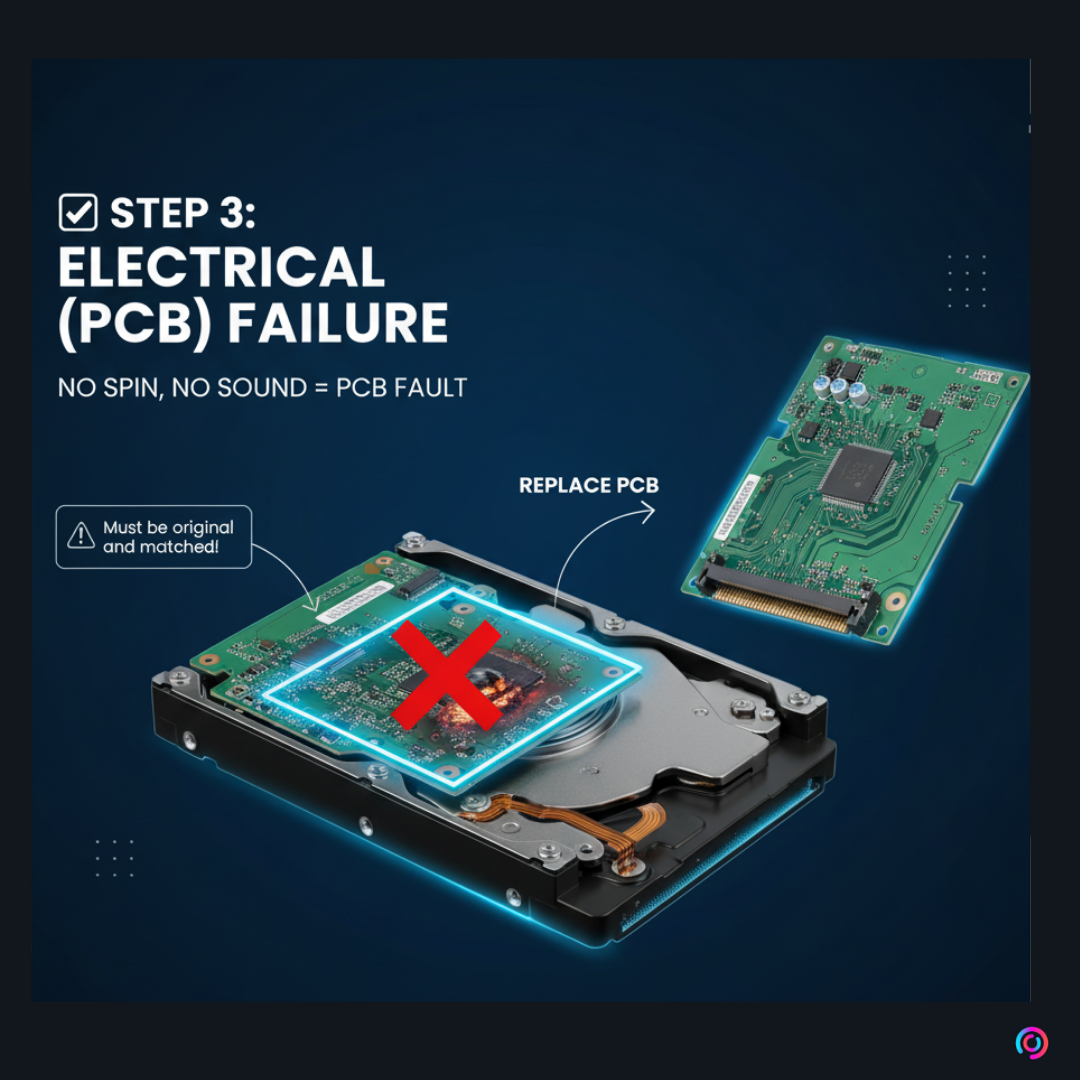
If you determined the drive is silent and doesn't spin (No Rotation / No Sound), the PCB is likely the culprit.
The Solution
The PCB manages power delivery and drive firmware. Failure here prevents the spindle motor from starting. The typical solution is to repair or replace the PCB.
Crucial Note: PCB replacement is not simply a swap. Modern PCBs contain firmware or "adaptive" data specific to the mechanical alignment of the head/platter assembly. You must transfer the ROM chip (or firmware data) from the original board to the replacement board to ensure proper function. Always use an original, matching PCB from an identical drive model.
Step 4: Diagnosing Mechanical Failure & The Clean Room Warning

If the drive is clicking, ticking, or scraping (No Rotation / Abnormal Sound), the failure is inside the sealed enclosure.
The Cause
These sounds indicate a Head Stack Assembly (HSA) failure, where the read/write heads are stuck to the platter surface (stiction) or the HSA is crashing repeatedly (clicking). Any grinding noise means the heads are scoring the data surface (platters), leading to permanent destruction of the media.
The Ultimate Warning
⚠️ WARNING: DO NOT OPEN THE DRIVE! The internal components of an HDD operate with tolerances measured in nanometers. Opening the top cover in a normal environment—even a seemingly clean office—will introduce dust, hair, and contaminants. This contamination will cause the heads to crash, guaranteeing permanent and irreversible data loss. Any internal repair must be performed in a Class 100 Clean Room environment.
If you suspect mechanical failure, power the drive off immediately and consult a professional data recovery service.
Step 5: Final System Status Check (Detection Success)
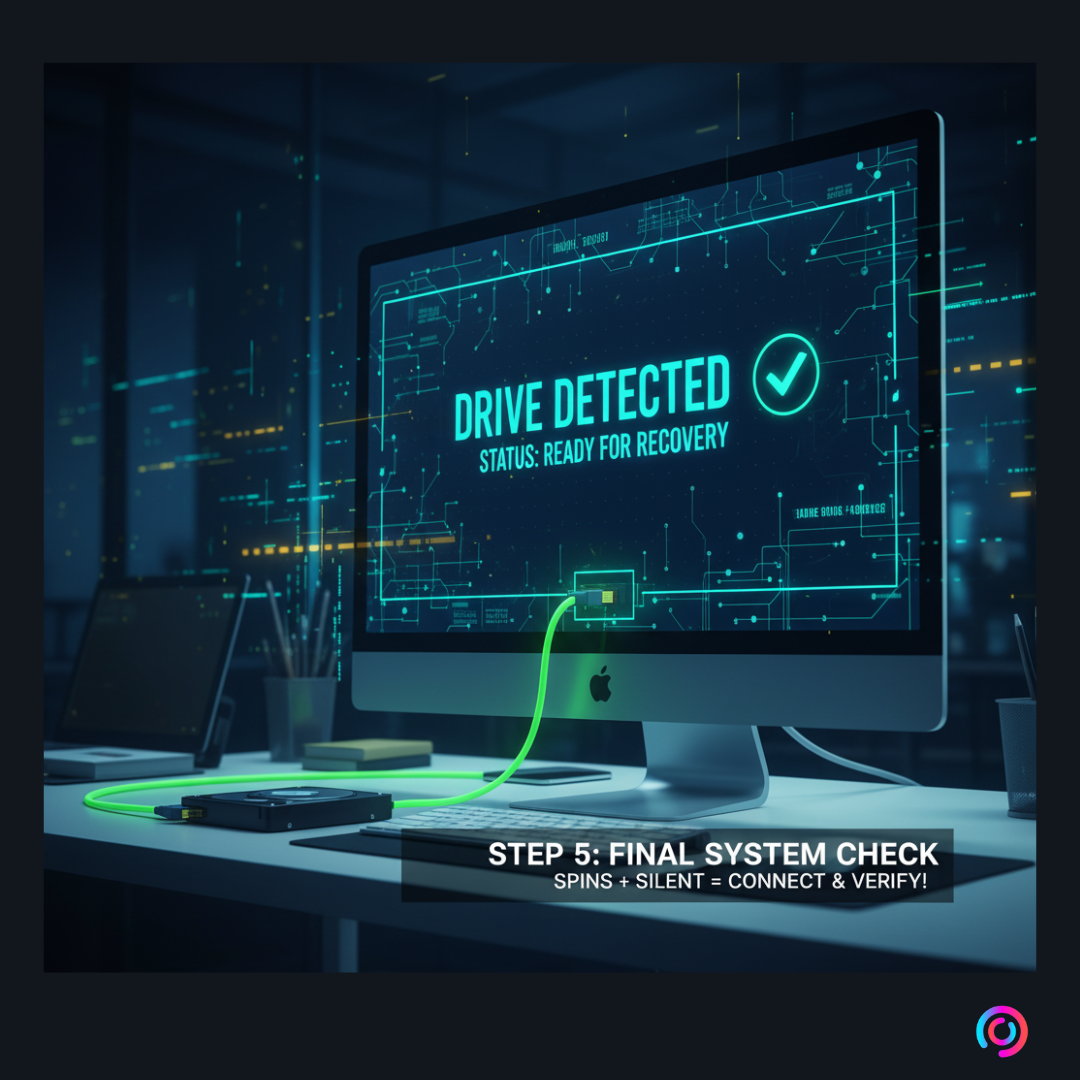
This step is for drives that passed Step 2 (spins properly and is silent).
Connect the drive to the system using a SATA data port.
- Check BIOS/UEFI: Does the system BIOS recognize the drive's manufacturer and model number?
- Check Operating System: Does the drive appear in the OS's Disk Management utility?
- Status Check: If the drive is detected and ready, you can now attempt data recovery or imaging using specialized software.
📢 Level Up Your Skills: Join Our Community!
Mastering hard drive diagnosis and recovery is a highly specialized skill. We created this guide to share essential knowledge, and now we invite you to go deeper.
We are excited to announce that the comprehensive, hands-on SATNA_PROJECT Certified Data Recovery Course will be launching soon right here on CourseHubForum.com! This course covers advanced PCB repair, firmware manipulation, clean room procedures, and logical data recovery.
Here’s how to stay informed and get early access:
📢 Level Up Your Skills: Join Our Community!
Mastering hard drive diagnosis and recovery is a highly specialized skill. We created this guide to share essential knowledge, and now we invite you to go deeper.
This 5-step process you just reviewed is a DEMO of the foundational knowledge taught in the first module of our course!
We are excited to announce that the comprehensive, hands-on SATNA_PROJECT Certified Data Recovery Course will be launching soon right here on CourseHubForum.com! This course covers advanced PCB repair, firmware manipulation, clean room procedures, and logical data recovery.
Stay Updated & Join the Community
We use Discord as the central hub for discussions, Q&As, and course updates. Don't miss out on launch news, exclusive content, and early registration discounts!
Here’s how to stay informed and get early access:
Join the Discussion: Head over to our [CourseHubForum.com] to ask questions about this guide and engage with other experts.
Follow Us on Discord! We manage the community for both CourseHubForum and SATNA_PROJECT there. This is the best place to stay updated on the course launch date and get exclusive deep-dive content.
Follow us on all our social channels and Comment on our latest Instagram post with "COURSE" to show your interest and get an early registration notification and potential launch discount!
COURSEHUBFORUM DISCORD - https://discord.gg/4TdqGAyavp
SATNA_PROJECT DISCORD - https://discord.gg/hSA8Ur6GRH
